
By Rajeev Ranjan · 17 Jun 2026
SwiftData vs Core Data in iOS 26: Which Should You Use?
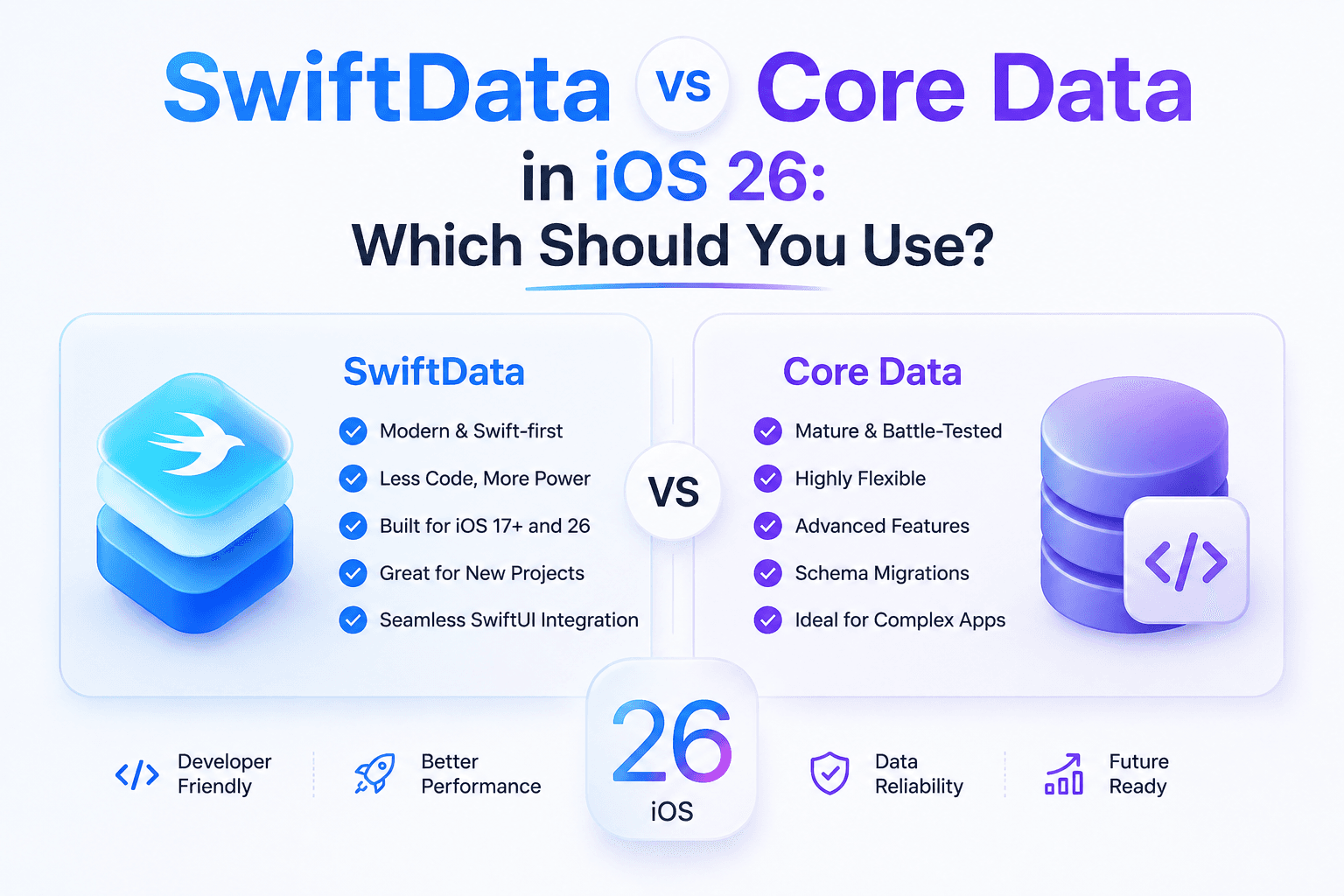
Core Data vs. SwiftData: A Practical Take
If you've shipped an iOS app with persistent storage at any point in the last ten years, you've probably got strong feelings about Core Data. It's powerful, it's mature, and pretty much every iOS developer has a scar or two from it.
SwiftData showed up in iOS 17 and has matured a lot since, and Apple clearly wants it to be the future. But "replacement" is doing a lot of heavy lifting in that sentence — the two frameworks coexist, and which one you reach for really depends on what you're building.
What follows is based on actually shipping apps with both in production, not just reading the docs.
The Quick Decision Matrix
| Criteria | Choose SwiftData | Choose Core Data |
|---|---|---|
| New project, simple model | Yes | No |
| Complex migration scenarios | Maybe | Yes |
| CloudKit sync required | Yes (with caveats) | Yes (battle-tested) |
| Large existing Core Data codebase | No | Yes |
| Heavy performance optimization | Not yet | Yes |
| Minimum deployment iOS 17+ | Yes | No |
Why SwiftData Wins for New Projects
The big win with SwiftData is just how much nicer it is to work with day to day. Instead of the usual Core Data trio — NSPersistentContainer, NSManagedObjectContext, NSManagedObject subclasses — you write plain Swift with an @Model attribute:
swift
@Model
final class Project {
    var name: String
    var deadline: Date
    var tasks: [Task]

    init(name: String, deadline: Date) {
        self.name = name
        self.deadline = deadline
        self.tasks = []
    }
}
Compare that to Core Data, where you're building a .xcdatamodeld file, defining entities (visually or in code), generating NSManagedObject subclasses, and configuring a persistent container. None of it is hard, exactly — it's just a lot of ceremony for what you're trying to accomplish.
SwiftData also plays nicely with SwiftUI through @Query, which makes fetching data feel declarative in a way Core Data's @FetchRequest never quite managed. @Query works similarly but hands you back your actual @Model types instead of something you have to translate.
Where Core Data Still Wins
Worth remembering: SwiftData is built on top of Core Data under the hood. So in theory, anything Core Data can do, SwiftData will eventually be able to do too. Emphasis on eventually.
A few places I ran into real limits while building ShiftOS:
- Migrations. Lightweight automatic migration handles the easy stuff — adding or removing optional fields. But if you're renaming properties, splitting entities apart, or transforming data mid-migration, you're back in Core Data territory. SwiftData does have
SchemaMigrationPlan, but it's nowhere near as flexible asNSMigrationManager. - Performance at scale. Same SQLite store under the hood, but SwiftData's abstraction layer isn't free. Once I got past 10,000+ records with complex predicates during ShiftOS's clipboard history work, I was seeing Core Data pull ahead by roughly 15-20% on fetch times. Most apps will never notice this. Data-heavy apps might.
- Transient/derived properties. Core Data lets you mark
@NSManagedproperties as transient and computed at runtime. SwiftData doesn't really have an equivalent — you can add computed properties to your model, but they won't hook into change tracking the same way. - Undo support. Core Data gets NSUndoManager for free. SwiftData makes you build undo/redo yourself. If your app leans on this, Core Data will save you a lot of headache.
CloudKit: Getting There
Adding @Attribute(.cloudKit) to a SwiftData model is genuinely so much simpler than wiring up NSPersistentCloudKitContainer the old way.
That said, Core Data's CloudKit integration has years of production battle-testing behind it. When you hit the weird stuff — conflict resolution, partial syncs, account switching — the answers and workarounds for Core Data are just better documented right now. SwiftData will catch up, but expect to hit a sync bug or two that needs a manual fix in the meantime.
Where I've Landed
At MishoraStudio, I use both, depending on the project.
Starting something new? SwiftData, no question. The speed boost is real — you'll ship faster and carry way less boilerplate.
Got a mature app already built on Core Data? Don't migrate. SwiftData isn't compelling enough to justify rewriting a working persistence layer. Core Data isn't disappearing anytime soon.
Building something that needs advanced features from day one? Start with SwiftData, but go in expecting to lean on Core Data APIs for custom migrations, undo, or performance tuning. SwiftData exposes ModelContext, so that Core Data stack is still right there when you need it.
Bottom Line
SwiftData in iOS 26 covers maybe 80% of what most apps need, and for that 80%, it's just better — less code, tighter Swift integration, a friendlier API overall. The other 20% still belongs to Core Data.
My honest advice: build your data layer behind a repository abstraction so you can default to SwiftData and drop down to Core Data whenever the situation calls for it. That way you're not locked into either one for the life of the app.
Keep Reading
Rajeev Ranjan
Independent developer behind MishoraStudio, building native iOS, macOS, and Android apps from Ahmedabad, India. Maker of ShiftOS. Writes from real shipped-app experience, not generic tutorials.