
By Rajeev Ranjan · 18 Feb 2026
App Store Optimization Tips for Indie Developers
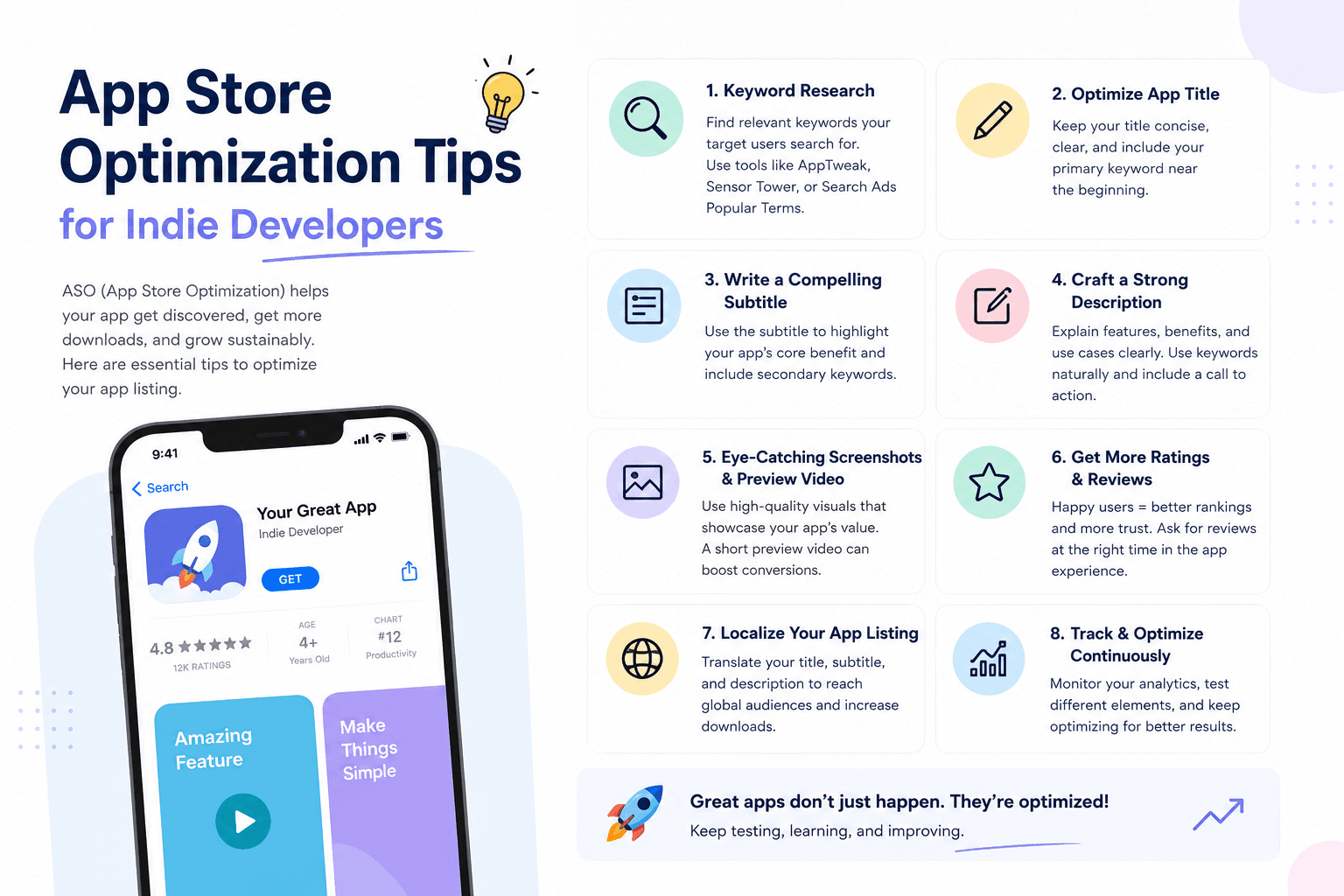
You shipped your app. It works. It looks great. And nobody is finding it.
App Store Optimization (ASO) is the practice of making your app discoverable in the App Store search results. For indie developers with no marketing budget, it is the single highest-ROI activity available.
Here is the exact ASO workflow I use for every MishoraStudio app.
Keyword Research: The Foundation
Apple's search algorithm matches your app against user search queries based on three signals: the app title, the subtitle, and the keyword field (100 characters). That is it. Every character in these fields carries weight.
My keyword research process:
Brainstorm seed terms: List every term a user might search for that relates to your app. For ShiftOS, that was: window manager, clipboard manager, mac utility, productivity, keyboard shortcuts, window snapping.
Validate with Search Ads: Apple Search Ads shows impressions for each keyword before you spend money. Create a campaign, add your keywords, and let it run for a few days at a minimal budget (₹500). The impression data tells you exactly what people search for.
Rank by relevance + volume: A high-volume keyword that does not match your app's purpose will hurt conversion. Someone searching "game" who finds ShiftOS will not download it, and Apple will note the low conversion rate. Prioritize relevance.
Fill the 100-character keyword field: Every character matters. Separate keywords without commas or spaces unless the phrase needs it. Example:
macos utility productivity window manager clipboard snap keyboard shortcut tool power user menu bar
The Title and Subtitle
Your app name is fixed. Your subtitle is not — and it carries nearly as much weight as the title.
| ShiftOS (Before) | ShiftOS (After) |
|---|---|
| Title: ShiftOS | Title: ShiftOS |
| Subtitle: Mac Utility | Subtitle: Window Manager & Clipboard |
The change from "Mac Utility" to "Window Manager & Clipboard" immediately told users and Apple what the app actually does. Impressions from searches like "window manager mac" increased by 40%.
Screenshots Are Your Landing Page
Users decide whether to download in under two seconds, and that decision is based on screenshots.
My screenshot framework:
- First screenshot: The most impressive feature, front and center, with a benefit statement ("Snap windows into any layout instantly")
- Second screenshot: The second most important feature ("200-item clipboard history with search")
- Third through fifth: Supporting features, each with one clear caption
- Last screenshot: A context shot showing the app in use
Rules:
- No more than 10 words per caption
- Use screenshots from the latest OS version
- Show the app in light and dark mode if relevant
- Test with localizations (Hindi screenshots convert better in the Indian store)
Ratings and Reviews
Reviews are a ranking factor. They also influence whether a user downloads after reading a review.
Strategies that work:
SKStoreReviewController prompt timing: Ask for a review after a user has completed a positive action — finished setting up the app, used it successfully for a week, or accomplished a task. Never ask on launch.
In-app review request: "Enjoying ShiftOS? Tap to rate" is more effective than the system prompt alone. Some apps add a small reward (a free feature unlock) for leaving a review.
Respond to every review: Users notice when developers respond. It signals an active, cared-for app. Even a simple "Thank you for your feedback!" helps.
App Description (and Why It Matters Less Than You Think)
The description matters for human readers, not the search algorithm. Apple does not index description text for search ranking.
Write a clear description anyway — it converts users who have already found you. First paragraph should restate the value proposition. Subsequent paragraphs should detail features. Keep paragraphs short. Use bullet points.
Localization
If you only optimize for English, you are leaving 30-40% of potential users on the table.
For MishoraStudio, I localized into:
- Hindi (my primary Indian market)
- Japanese (strong Mac utility market)
- Simplified Chinese (growing Mac audience)
- German and French (top European App Store markets)
Localization is not just translation. Research which keywords perform in each market. "Window manager" in Japanese is different from the literal translation. Use native speakers or professional localization services.
Track Everything
Use App Store Connect Analytics to track:
- Impressions by keyword
- Conversion rate (impressions to product page views)
- Download rate (product page views to downloads)
- Crash rate
- Retention
Track these weekly. When conversion rate drops, investigate — is your screenshot outdated? Does the app crash on iOS 26? Did a new competitor launch?
The Schedule
| Frequency | ASO Task |
|---|---|
| Weekly | Check keyword rankings, review new competitor apps |
| Monthly | Update screenshots if UI changed, respond to reviews |
| Quarterly | Full keyword audit, test new keyword combinations |
| Per update | Optimize what's new notes, update subtitle if needed |
The Bottom Line
ASO is not a one-time setup. It is ongoing optimization, same as SEO for a website. The indie developers who treat it as a continuous process see compounding returns. The ones who set it and forget it see their rankings slowly decline as competitors optimize harder.
You do not need a marketing budget. You need a systematic approach and the discipline to execute it every week.
Keep Reading
Rajeev Ranjan
Independent developer behind MishoraStudio, building native iOS, macOS, and Android apps from Ahmedabad, India. Maker of ShiftOS. Writes from real shipped-app experience, not generic tutorials.